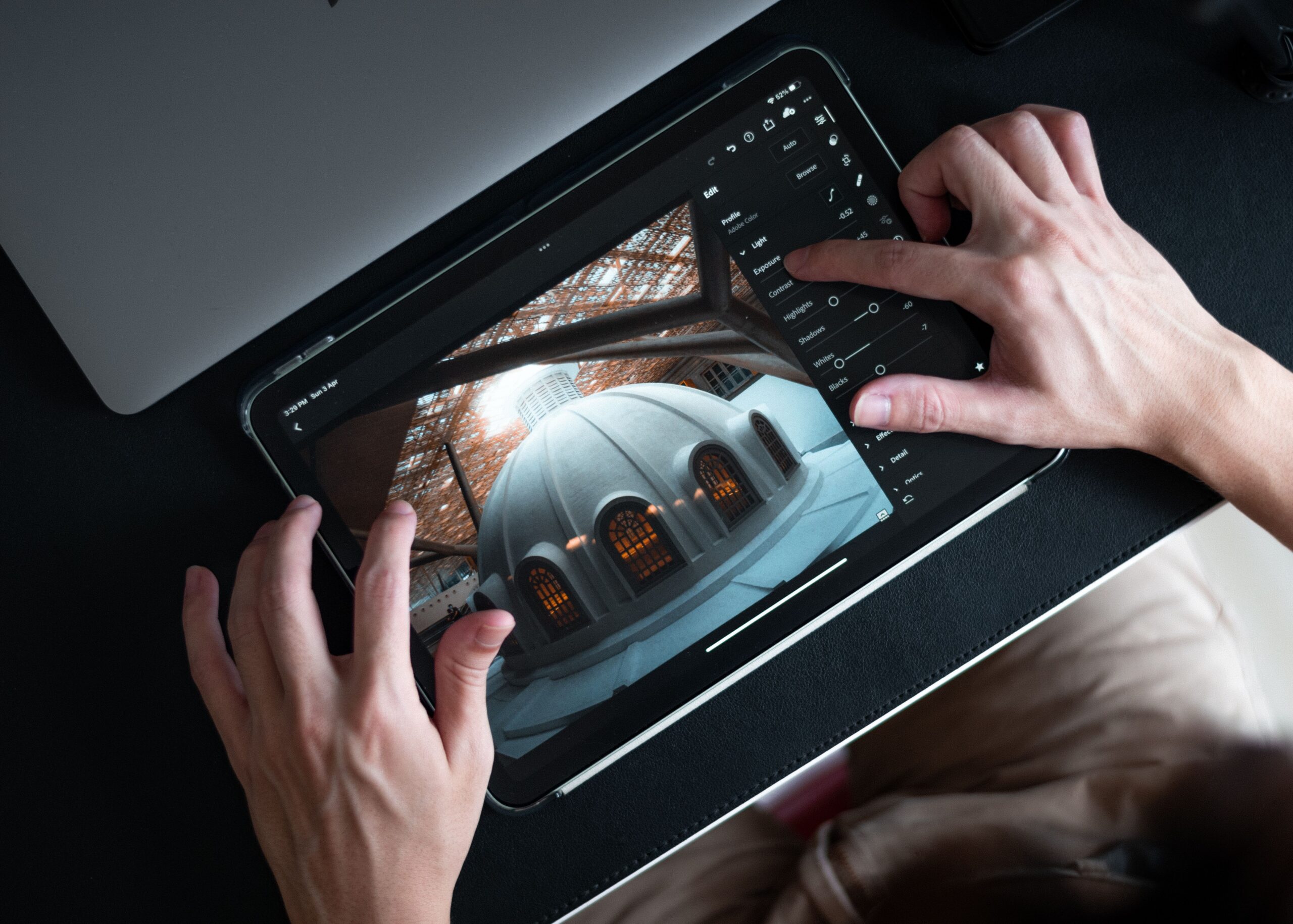
Capture One Mobile 4.0 adds Enhanced Denoise, Color Balance, Heal & Clone, and Keywords to the iOS app. It closes most of the gap between phone and desktop for triage, client previews, and same-day delivery. It does not replace a full desktop session for high-volume paid work, but it gets closer than any previous mobile version.
Picture the back seat of a car at 9:40pm, still in a rented suit, phone propped against a water bottle, thumb hovering over a raw file of a first dance. The card reader is in a bag in the trunk. The laptop is at home. The couple’s mothers have already texted twice asking if there’s anything they can see tonight.
That moment is the whole reason mobile editing exists. Not to replace the desktop. To buy time. To turn twenty minutes of dead space into a delivered frame that keeps a client warm until the real edit happens.
For years the honest answer to that scenario was: send an unedited JPEG and apologize. The mobile tools were fine for exposure and crop and not much else. Anything requiring actual repair, actual noise handling, actual color decisions, that waited. So the arrival of a mobile release that claims desktop-grade repair tools is worth taking seriously rather than shrugging at.
According to DPReview’s coverage, this release brings Enhanced Denoise, Color Balance, Heal & Clone, and Keywords to iPhone and iPad. That is four features, and three of them are the exact three that used to force a shooter back to a desk.
What Capture One Mobile 4.0 Actually Adds
| Feature | What It Does |
|---|---|
| Enhanced Denoise | Noise reduction on raw files, brought over from the desktop application |
| Color Balance | Separate color adjustment across shadow, midtone, and highlight ranges |
| Heal & Clone | Local repair and removal of unwanted elements in the frame |
| Keywords | Metadata tagging for organizing and retrieving images |
| Platform | iPhone and iPad (iOS) |
Four additions. That is the entire headline list, and it is worth being precise about it rather than inflating it. Everything else in Capture One Mobile 4.0 is the app that already existed, with these bolted on.
But look at what those four are. Denoise, healing, and color grading are the three operations that separate a “quick look” from a finished frame. Keywords is the one that separates a pile of images from a library. Capture One Mobile 4.0 is not adding polish. It is adding the missing structural pieces.
The strategic read is obvious. Mobile raw editors have spent several years being very good at the easy half of the job. Capture One Mobile 4.0 is an attempt to take the hard half, the half where a photographer traditionally gives up and opens a laptop.
Can Capture One Mobile 4.0 Replace a Desktop Editing Workflow?
Short answer: for some jobs, yes. For most paid volume work, no. And the line between them is sharper than the marketing around any mobile app tends to admit.
The jobs where Capture One Mobile 4.0 genuinely substitutes for desktop are the ones defined by low file count and high urgency. A press assignment with three usable frames due in an hour. A brand collaborator who needs one hero image before the venue closes. An editorial shooter filing a single portrait from a hotel lobby. That is a real category and it is not small.
The jobs where it does not substitute are the ones defined by volume. Six hundred raw frames from a reception. Two hundred senior portraits from a September afternoon. Culling at scale is a keyboard-and-two-monitor activity, and no touch interface has solved that, including this one.
So the useful framing for Capture One Mobile 4.0 is not replacement. It is displacement. It moves specific tasks off the desktop and onto the device that is already in a pocket. That is genuinely valuable and it is also a smaller claim than “desktop in your hand.”
Enhanced Denoise: The Feature That Matters Most

Of the four additions, Enhanced Denoise is the one that changes the most behavior, and it is worth explaining why in craft terms rather than feature-list terms.
Mobile editing has historically fallen apart at high ISO. A frame shot at ISO 6400 looks acceptable at phone-screen size, gets exported, then looks like sandpaper the moment a client opens it on a laptop. That mismatch has burned a lot of people, and it is the single biggest reason serious shooters treated mobile as preview-only.
I have made that exact mistake. Sent a batch of dim reception frames from a phone once, thought they looked fine, then opened them on a proper display the next morning and felt my stomach drop. The client never said anything. I knew, though. I have not trusted a small screen for a noise judgment since.
Bringing denoising into Capture One Mobile 4.0 addresses the technical half of that problem. It does not address the screen-size half. A phone display still cannot show what a 27-inch monitor shows, so the discipline of checking noise decisions later remains mandatory regardless of what Capture One Mobile 4.0 can now process.
Still, having the tool available at all is the difference between “I cannot fix this here” and “I can get this close enough to send.” For event shooters working in dark rooms, that is the headline of Capture One Mobile 4.0.
Heal & Clone on a Touchscreen
Healing on a phone is a strange proposition, and it deserves an honest assessment rather than an enthusiastic one.
The tool itself is straightforward in concept: remove the exit sign, the stray hand, the sensor dust spot in a clean sky. Those are exactly the small repairs that stand between a good frame and a sendable one, and they are exactly what used to force a trip to the desktop.
The friction is physical. A fingertip covers a meaningful chunk of a phone screen, which means precision work happens through pinch-zoom cycles rather than direct manipulation. On an iPad with a stylus this becomes far more comfortable, and that platform difference is worth weighing before anyone decides Capture One Mobile 4.0 has solved retouching.
Realistically, Heal & Clone in Capture One Mobile 4.0 is built for one to three fixes per frame, not for skin work or complex background reconstruction. Judged against that scope it is a strong addition. Judged as a replacement for a desktop retouching session it is not close, and no reasonable person should expect it to be.
Color Balance and the Case for Grading on the Go

Color Balance splits adjustment across shadows, midtones, and highlights. That structure is how a look actually gets built, and its absence is why mobile edits have tended to look like filters rather than grades.
Here is the practical value. A shooter with an established desktop look, warm highlights and cooler shadows or whatever the house style happens to be, can now approximate that style on a phone rather than sending something that looks nothing like the final gallery. Consistency between the sneak peek and the delivery is a client-trust issue more than an aesthetic one.
The caveat is the same one that haunts all mobile grading: display calibration. A phone screen is bright, contrasty, and often color-shifted by ambient light and adaptive brightness. Grading decisions made in a car at night on Capture One Mobile 4.0 will need review. That is not a criticism of the software. It is physics.
Use Color Balance in Capture One Mobile 4.0 to get in the neighborhood. Do not use it to make final calls on a paid gallery.
Keywords: The Boring Feature That Pays Off Later
Keywords is the addition nobody will get excited about and the one most likely to save real hours over a year.
Tagging on location, while the memory of the shoot is fresh, is dramatically easier than tagging six weeks later while staring at a folder called SEPT_FINAL_v3. Adding metadata inside Capture One Mobile 4.0 during downtime means the archive stays searchable without a dedicated cataloging session that never actually gets scheduled.
Second confession: my own archive is a disaster. Years of it. I have told myself I would fix it during every slow January and have never once done it. A tool that lets tagging happen in the fifteen dead minutes between ceremony and reception is a tool that works with human nature instead of against it.
That is the quiet argument for Capture One Mobile 4.0. Not the flashy repair tools. The filing.
Where Capture One Mobile 4.0 Falls Short
Three honest limitations, stated plainly.
- iOS only: This release targets iPhone and iPad. Android shooters are outside it entirely, which matters given how much serious mobile capture work happens on that platform. For an Android-side perspective, the Blackmagic Camera 2.0 for Android update is a useful comparison point.
- Volume workflows: Culling and batch processing hundreds of frames remains a desktop activity. Nothing in Capture One Mobile 4.0 changes that arithmetic.
- Display trust: Every color and noise decision made on a phone needs verification on a calibrated screen before final delivery.
None of these are surprises. All of them are worth stating before someone reorganizes an entire business around Capture One Mobile 4.0 and discovers the gaps during a busy October.
How Capture One Mobile 4.0 Compares to the Alternatives
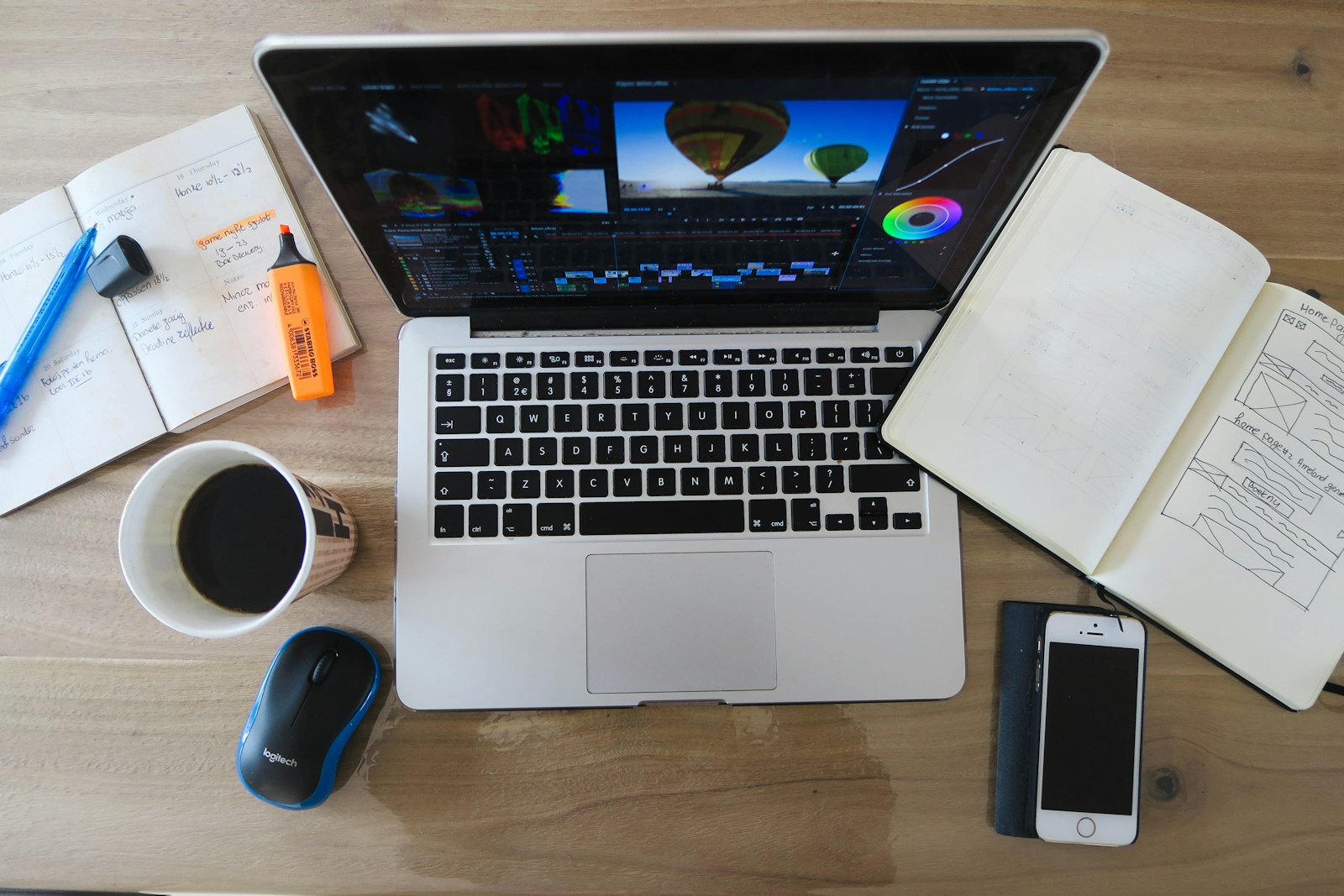
The mobile raw editing space is not empty. Adobe has been pushing hard in the same direction, and the recent Lightroom update with tethering and AI editing tools shows the competitive pressure clearly.
The differentiator for Capture One Mobile 4.0 is ecosystem continuity. A photographer already running Capture One on desktop gets a mobile app that speaks the same visual language, uses the same color tools, and produces edits that carry the same character. That coherence is worth more than any individual feature.
For someone not already in that ecosystem, the calculus is different and the case for switching to Capture One Mobile 4.0 is weaker. Mobile editors are increasingly comparable at the feature level, and the deciding factor is usually whatever the desktop half of the workflow already runs.
There is also a broader point worth making. Phone-native shooters, the ones exploring tools like the Unpro camera app and its natural-look approach, are working a different problem than professionals triaging client raws. Capture One Mobile 4.0 is squarely aimed at the second group.
Who Capture One Mobile 4.0 Is Built For
Best suited to working professionals who already run Capture One on desktop and need same-day turnaround on a handful of frames. Event shooters, editorial photographers, and anyone whose clients expect a preview before the car ride home.
Also strong for anyone with a chronically unorganized archive. The Keywords addition alone justifies installing Capture One Mobile 4.0 if metadata discipline has been an ongoing failure.
Less compelling for high-volume portrait and wedding shooters who will still spend most of their editing hours at a desk, and irrelevant for Android users until platform parity arrives. Capture One Mobile 4.0 is a supplement to those workflows, not a substitute.
What to Take From This
- Four additions: Enhanced Denoise, Color Balance, Heal & Clone, and Keywords land in Capture One Mobile 4.0 for iPhone and iPad.
- Denoise is the headline: It removes the biggest technical barrier to sending dark-venue frames from a phone.
- Healing is scoped small: Excellent for one to three spot fixes per frame, not for retouching sessions.
- Color needs verification: Grade in the neighborhood on mobile, confirm on a calibrated display.
- Keywords is the sleeper: Tagging on location beats tagging never.
- Not a desktop replacement: Displacement of specific tasks, not wholesale substitution.
The Verdict
The honest framing is this: mobile editing has spent years being a compromise, and Capture One Mobile 4.0 makes it a choice instead. That is a meaningful shift even though it stops well short of the marketing-friendly claim that a phone now equals a workstation.
Heading into the back half of wedding season, with senior portraits stacking up and clients trained by social media to expect something within hours, the value of finishing a few frames properly on location is real money. Capture One Mobile 4.0 makes that possible without the quality apology that used to come attached.
Recommended for existing Capture One users on iOS who need genuine same-day capability. Consider it carefully if the desktop half of the workflow lives elsewhere. Skip it for now on Android. Judged on what it sets out to do, Capture One Mobile 4.0 delivers, and the gap between phone and desk has never been narrower.
FAQ
What is new in Capture One Mobile 4.0?
The release adds four features to the iOS app: Enhanced Denoise for noise reduction, Color Balance for tonal-range color work, Heal & Clone for local repairs, and Keywords for metadata tagging on iPhone and iPad.
Is Capture One Mobile 4.0 available on Android?
No. This release targets iPhone and iPad only. Android photographers looking for comparable mobile capability will need to look at other applications until platform support expands.
Can Capture One Mobile 4.0 fully replace desktop editing?
Not for high-volume work. It handles small urgent batches well, but culling and processing hundreds of raw files remains faster and more accurate on a desktop with a calibrated display.
Does the healing tool work well on a phone screen?
It works best for one to three small removals per frame. Precision improves considerably on iPad with a stylus. Complex retouching still belongs on desktop where fine control is easier.
Photo: Sam Tan