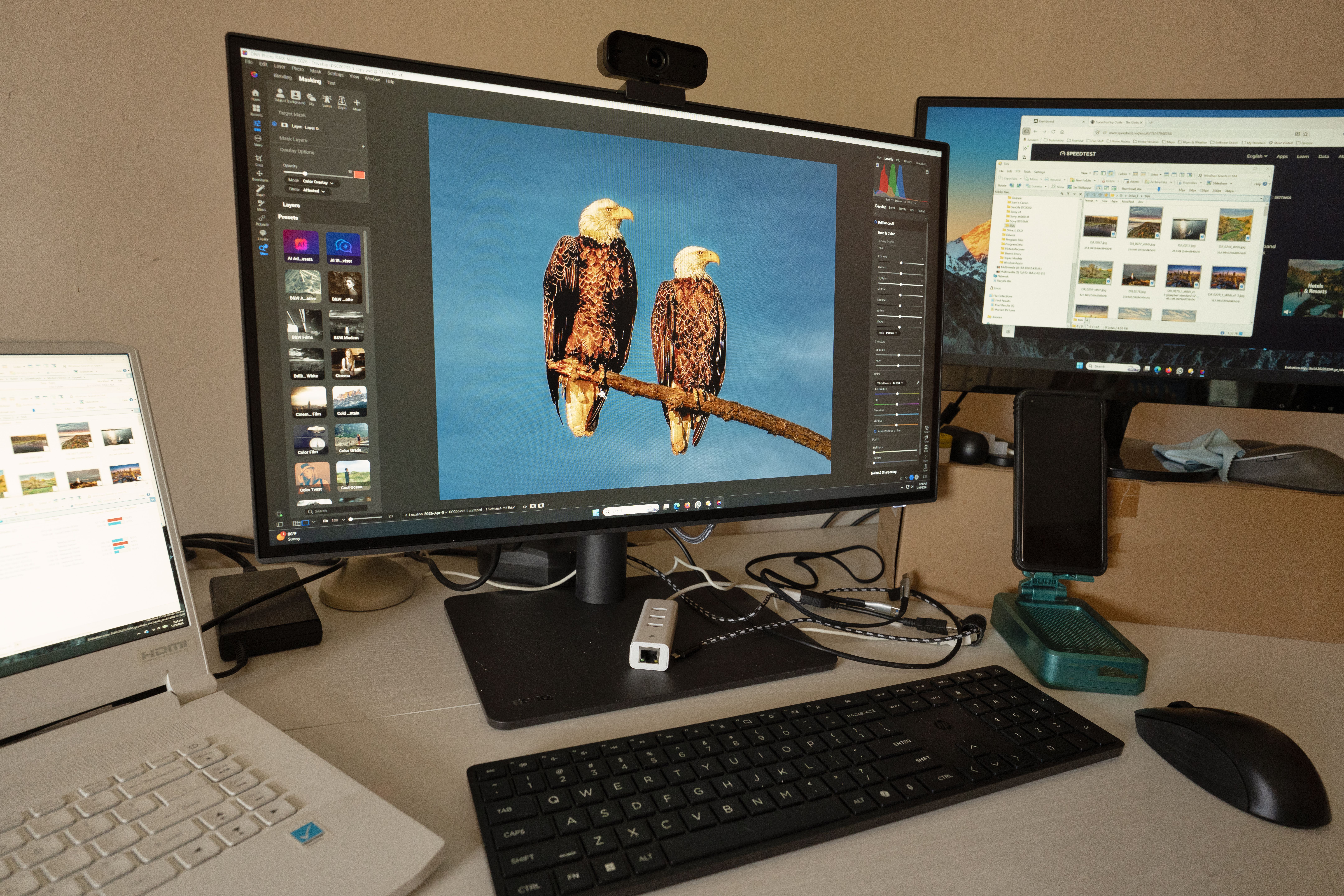
Lightroom vs Capture One vs Phocus comes down to this: Phocus renders Hasselblad files with the truest color out of the box, Capture One holds more detail and gives finer color control, and Lightroom wins on speed, integration, and cataloging. Image quality gaps are real but small.
It’s 1am in August, the wedding files are ingested, and the couple wants a sneak peek by breakfast. Three hundred frames from a dim reception, mixed tungsten and LED, skin tones swinging green under the DJ’s wash. The catalog is open. The coffee is cold. And somewhere in the back of your head, a voice you’ve been ignoring for two years asks whether a different editor would have handled this better.
That voice is why the Lightroom vs Capture One argument never dies. It’s not really about software. It’s about whether the thing you already know is quietly costing you quality.
Matt Granger ran a comparison of Adobe Lightroom, Capture One, and Hasselblad Phocus using files from a Hasselblad X2D 100C, and it’s a useful anchor for this conversation because he tested the same RAW files through all three pipelines rather than comparing finished looks. You can watch the full software comparison here. What follows is the practical decision guide underneath it.
Lightroom vs Capture One vs Phocus: The Feature Table
| Editor | Best At | Cataloging | Cost Model |
|---|---|---|---|
| Adobe Lightroom | Speed, ecosystem integration, volume workflow | Full DAM catalog | Subscription |
| Capture One | Detail retention, granular color editing, tethering | Catalogs and sessions | Subscription or perpetual |
| Hasselblad Phocus | Native Hasselblad color rendering | Basic browsing | Free |
That table is the whole argument in miniature. Nobody switches editors for a feature. People switch because one column matters more to them than the other two, and they finally admit it.
What Actually Differs In A Lightroom vs Capture One RAW Conversion
Here’s the uncomfortable part. Every RAW converter is guessing. A RAW file is a grid of single-color sensor readings, and turning that into an image means interpolating the missing two-thirds of the color information, applying a color profile, then deciding how much sharpening and noise reduction to bake in before you ever touch a slider.
Three companies make three sets of guesses. That’s the Lightroom vs Capture One difference in one sentence.
Adobe’s demosaic is conservative and fast. It’s tuned to look reasonable across roughly every camera ever made, which is an absurd engineering problem and part of why the default rendering can feel a touch soft and a touch flat before you do anything to it.
Capture One’s conversion tends to hold onto fine structure more aggressively, particularly in high-frequency areas: fabric weave, hair, foliage, the edge where a subject’s shoulder meets a dark background. In a Lightroom vs Capture One side-by-side at 100 percent, that’s usually where the difference first becomes visible rather than theoretical.
Phocus is a different animal entirely, because it isn’t trying to be universal. Hasselblad wrote it for Hasselblad sensors, with color profiles built from their own calibration data. When Granger put X2D files through it against the other two, the interest wasn’t sharpness, it was color that needed less intervention to look right.
I once spent forty minutes fighting a magenta cast across a set of gallery reproduction shots before realizing the profile I’d chosen was wrong from the first frame. Forty minutes. Not a slider problem. A starting-point problem. That’s the category of thing native profiling solves.
Color Rendering: Where Lightroom vs Capture One Gets Emotional
Color is the argument people get weird about, and I understand why. Color is taste, and taste feels like identity.
Adobe’s default profiles lean toward a neutral, slightly cool interpretation that behaves predictably under mixed light. That predictability is genuinely valuable when you’re batch-correcting a reception under three different color temperatures at once. It’s also why some photographers describe Lightroom renders as clinical.
Capture One’s color engine gives you more granular control, and its skin-tone handling is the reason a lot of portrait and fashion shooters moved over and stayed. The ability to isolate a narrow hue range and shift it without dragging the neighbors along is a real workflow advantage, not a marketing line.
Phocus, on Hasselblad files, sits somewhere else on the map: less about control, more about not needing it. Native profiling means the file arrives closer to where you wanted it.
None of this means one is correct. It means Lightroom vs Capture One vs Phocus is a question about how much of your color you want to do yourself.

Does Lightroom vs Capture One Actually Matter For Detail?
Short answer: at print sizes, sometimes. On Instagram, essentially never.
The detail advantage that shows up in Lightroom vs Capture One comparisons is a 100-percent-zoom phenomenon. Pull back to a full-frame view on a 27-inch monitor and most of it collapses into nothing. Export to 2048 pixels for a client gallery and it’s gone entirely.
Where it earns its keep is large-format print, heavy crops, and commercial retouching where someone will be at 200 percent for an hour. If you’re shooting a 100-megapixel file and printing it two metres wide, the conversion pipeline matters. If you’re delivering web-res portraits, you’re optimizing the wrong variable.
I’ll confess to the mistake directly: I once spent most of a slow January comparing exports pixel by pixel, convinced I’d found the thing holding my work back. My work was being held back by my lighting. The converter was innocent.
Workflow Is The Real Deciding Factor
Strip away the image quality argument and Lightroom vs Capture One becomes a workflow question, which is where most photographers should have started.
- Volume culling: Lightroom’s catalog handling and preview generation is built for someone facing 2,000 frames and a deadline. That is not a small thing in wedding season.
- Tethered shooting: Capture One’s tethering has been the studio standard for years, and the session-based file structure suits job-by-job commercial work better than one monolithic catalog.
- Ecosystem: Lightroom’s round-trip to Photoshop, mobile sync, and cloud handoff is frictionless in a way competitors haven’t matched.
- Native pipeline: Phocus makes sense as a first stop for Hasselblad shooters who want the manufacturer’s color, then export out to finish elsewhere.
Speed matters more than most people admit. An editor that renders previews two seconds faster per frame saves you real hours across a season. Nobody makes a YouTube video about that, because it isn’t visual.
Which Editor Suits Which Photographer
High-volume event and wedding shooters: Lightroom, and stop thinking about it. The Lightroom vs Capture One quality delta will not survive contact with a web-resolution client gallery, and your bottleneck is culling speed.
Studio, product, and fashion: Capture One. Tethering, color control, and detail retention all line up with how the work actually gets made, and clients at that level do look at 200 percent.
Hasselblad owners: Start in Phocus to see the native color, then decide whether you prefer it enough to build a workflow around it. It’s free, so the experiment costs you an afternoon.
Landscape and fine-art printers: Test both properly on your own files. This is the one case where the Lightroom vs Capture One difference reaches the print.
Is Switching Worth It?
Switching editors costs weeks. Muscle memory, presets, keyboard shortcuts, catalog migration, and the low-grade panic of not knowing where anything lives. That’s the honest price, and it’s rarely in the comparison videos.
So the Lightroom vs Capture One decision should hinge on a workflow problem you can name out loud, not a vague sense that your files could be better. “My tethered shoots are painful” is a reason. “I saw a comparison and now I’m uneasy” is not.
And there’s a third option nobody markets: use two. Plenty of working photographers cull in one and finish in another. Phocus being free makes that hybrid approach genuinely viable for Hasselblad shooters.
What To Take From This
- Quality gaps are real but small: Lightroom vs Capture One differences live at 100 percent zoom and mostly vanish at delivery size.
- Phocus wins native color: On Hasselblad files, manufacturer profiling means less correction work up front.
- Capture One wins detail and control: Best suited to studio, product, and retouching-heavy work.
- Lightroom wins throughput: Cataloging, speed, and ecosystem integration matter most at volume.
- Test on your own files: Comparison videos use someone else’s subjects, lenses, and light.
- Switch for workflow, not vibes: Name the problem before you pay the migration cost.
The Verdict
Lightroom vs Capture One vs Phocus is not a hierarchy, it’s a set of trade-offs, and the photographers who agonize over it longest are usually the ones for whom it matters least. Phocus renders Hasselblad color most faithfully. Capture One holds detail and offers finer control. Lightroom moves fastest through volume and slots into everything else you use.
Pick the one that removes friction from the way you actually work, then go put the saved hours into lighting. That’s where the visible improvement lives, and no Lightroom vs Capture One comparison will ever tell you otherwise.
FAQ
Does Capture One really produce sharper images than Lightroom?
It typically retains more fine structure in high-frequency areas like hair and fabric at 100 percent zoom. At web delivery sizes or normal print viewing distances, the Lightroom vs Capture One difference is usually invisible.
Is Phocus worth using if I don’t shoot Hasselblad?
Not really. Phocus is built around Hasselblad’s own sensor calibration and color profiles. Its main advantage disappears with files from other manufacturers, so there’s little reason to add it to your workflow.
Can I use two RAW editors at once?
Yes, and many working photographers do. A common pattern is culling and cataloging in one editor, then finishing selects in another. Phocus being free makes this hybrid approach practical for Hasselblad shooters.
Will switching editors improve my photos?
Marginally at best. Conversion differences are small compared to lighting, composition, and subject direction. Switch to fix a specific workflow problem you can name, not in hope of a visible quality jump.
Photo: iam hogir